
Free event registration: leave Google Forms, switch to Blend
If your free event runs on Google Forms, switch to Blend: it costs nothing, and every guest gets a ticket, a check-in at the door and a place on the waitlist when you are full. Google Forms only collects answers, so for a free event of any size Blend does more for the same price, zero.
- By

- Published
- Updated
- 6 minute read
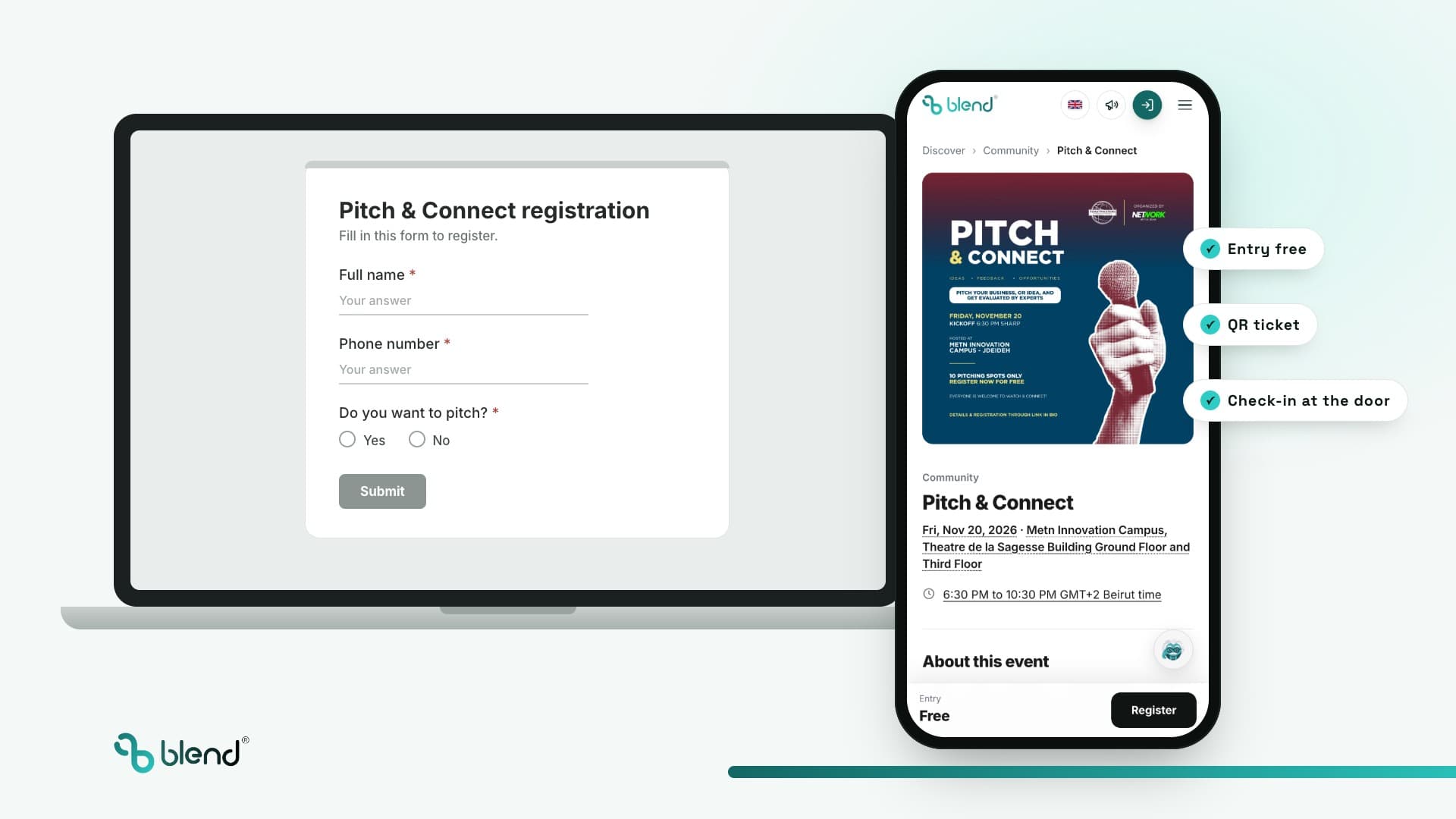
- 1,017 runners registered, Jounieh
- 92 guests registered, Chouf
- 200 spot cap held, Beirut
Should you use Google Forms or Blend for your event?
- No event is too small for Blend: 5 guests or 5,000, a free event gets a page, tickets and check-in at no cost.
- Switch to Blend for what Google Forms cannot do: tickets, check-in, a waitlist and guest emails. A form can only close after a set number of responses.
- Blend is free for free events: no cost to the organizer or the guest, and no card needed to start.
- Ask anything at registration on Blend: nine answer types, required or optional, with follow-up questions based on an answer.
- Check guests in with Blend: staff scan each QR ticket at the door with a phone, so you know exactly who came.
- Jounieh Run Club left Google Forms and WhatsApp and registered 1,017 runners on Blend for one free run.
What is the difference between Google Forms and Blend?
Google Forms is a survey tool: it collects answers into a Google Sheet. Blend is an event ticketing and registration platform built around the guest: it issues a ticket, holds a capacity, checks the guest in and keeps every answer with them.
| Job | Google Forms |  |
|---|---|---|
| Collect names and answers | Yes, into a Google Sheet | Yes: nine answer types, follow-up questions, CSV export |
| Keep answers with the guest | Rows in a sheet, not linked to who came | On the guest's registration, ticket and check-in |
| Give each guest a ticket | No, only a copy of their answers | QR ticket by email, Apple Wallet ready |
| Stop at a capacity | Closes after a set number of responses. No waitlist | Capacity per ticket type, then a waitlist |
| Check guests in at the door | No. A printed list and a pen | QR scan from a phone, used tickets flagged |
| Know who actually came | No | Registered vs checked in, live |
| See where sign-ups came from | No | Tracked links and promo codes per source |
| Email every guest | Copy the emails into your own inbox | Email everyone registered, from the event |
| Cost for a free event | Free with a Google account | Free for organizer and guest |
Google Forms features checked on against Google's Workspace update of 12 January 2026 and the Forms help center. Add-ons can extend a form; the table covers what Forms does on its own.
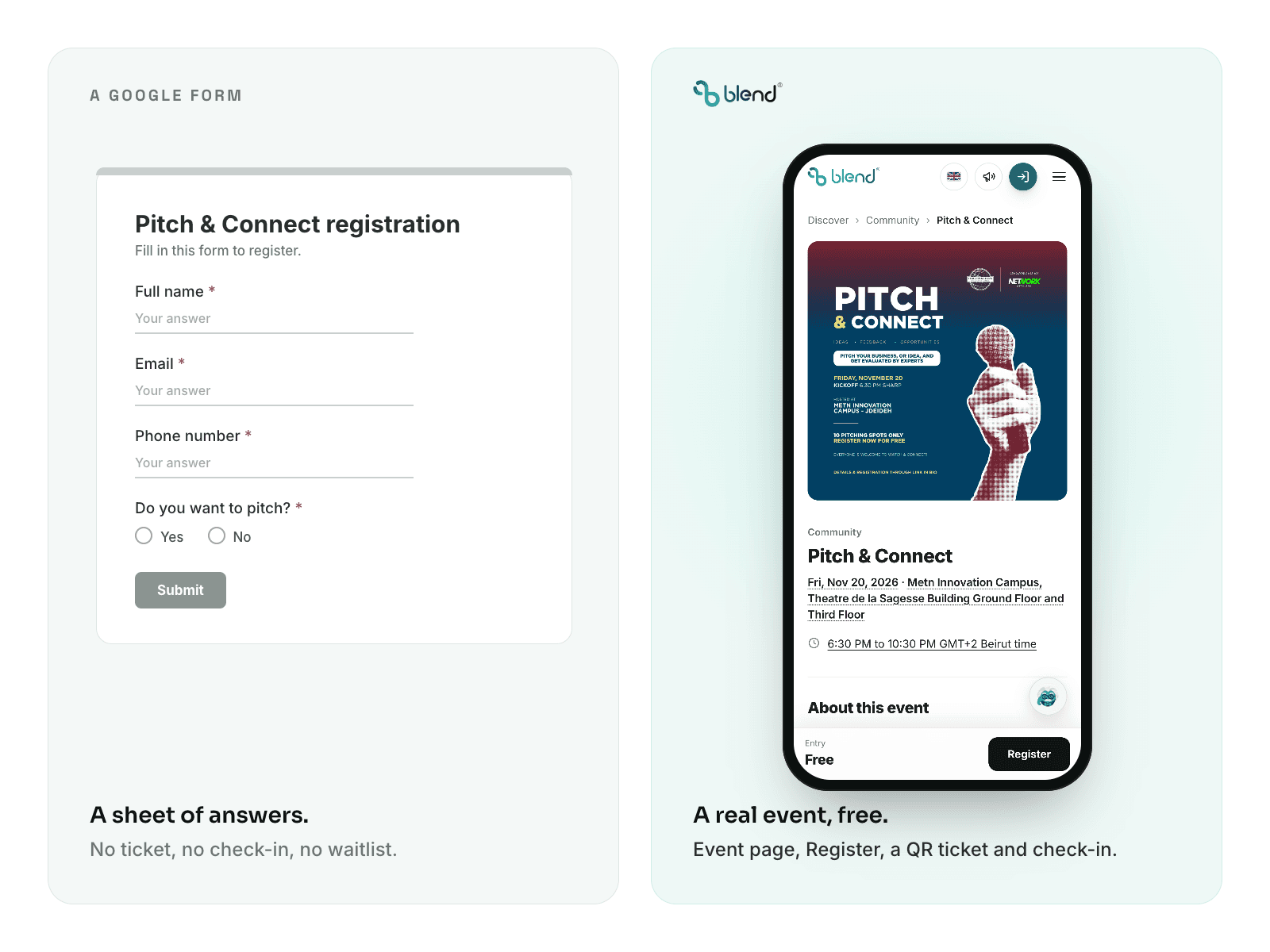
Why switch to Blend for a free event?
It costs the same as a form: nothing. A dinner for 5 and a run for 500 get the same tools.
You get a sheet of answers
- No ticket for your guests
- No check-in at the door
- No waitlist when you are full
- Reminders by hand on WhatsApp
FreeYou get a real event
- An event page people trust
- A QR ticket for every guest
- Check-in, so you know who came
- Your guest list, ready for the next one
Can you ask your own registration questions on Blend?
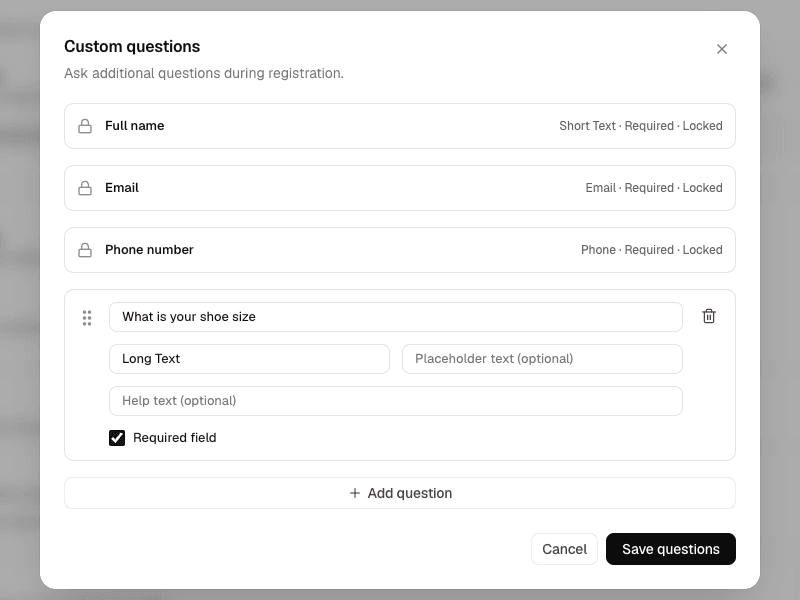
Yes, any question you would put in a form. Name, email and phone are always asked first; after them you add your own, each with one of nine answer types: short text, long text, email, phone, number, date, dropdown, multiple choice or checkboxes. Mark each one required or optional and add help text under it.
Follow-ups appear only when they apply: ask "Are you bringing a guest?" and show "Guest's name" only to people who answer yes. Every answer stays with that guest and exports to CSV.
- T-shirt size and dietary needs for a run or a dinner
- Instagram handle, so you can tag guests after the event
- How they heard about you, to see which channel works
Can Google Forms limit event registrations?
Yes, since 12 January 2026. In the Responses tab, next to Accepting responses, set the form to close after a number of responses or at a date.
The form then closes for everyone: no waitlist, no separate limit for VIP and general entry, and no spot that reopens when a guest cancels. On Blend each ticket type holds its own capacity, and a waitlist fills freed spots.
Where does Google Forms break for events?
- 01 / THE COUNT
You do not know who came
Responses show who filled the form, not who showed up. Before Blend, Jounieh Run Club did not know exactly how many people attended its runs.
On Blend: registered and checked in, live on one screen.
- 02 / THE DOOR
The entrance runs on a printed list
Names are searched by hand while the line grows, and a friend of a friend looks the same as a guest.
On Blend: check each guest in with a QR scan; you see who came, and a used ticket is flagged.
- 03 / THE FOLLOW-UP
You cannot reach everyone at once
A change of time goes to a WhatsApp group some guests left and DMs others never open.
On Blend: email everyone registered for the event in one message.
What happened when organizers in Lebanon switched from Google Forms to Blend?
Network With Jean and Jounieh Run Club left Google Forms. Run Club Beirut and the Sabah El Kheir podcast held a cap a form would close on. All three were free.
 1,017confirmed registrations for one free 5 km runGoogle FormsWhatsApp
Jounieh Run Club
Run Fest 2026, 30 August 2026. One registration flow on its own site, runfest2026.blendapp.ai.
Read the case study 92registered guests, QR checked at the doorGoogle FormsInstagram DMsWhatsApp
Network With Jean
Free, registration required, 25 September 2026 in Deir El Qamar.
Read the case study 145sign-ups in one week against a 200 spot cap
Sabah El Kheir Run
Run Club Beirut with the Sabah El Kheir podcast, 18 October 2026. At least 51 sign-ups came from one tracked Instagram link.
Read the case study

I switched to Blend because it made everything easier. I used to do events on WhatsApp, Google Forms and Instagram DMs; now everything is in one place.
How do you switch from Google Forms to Blend?
Keep the form open while you set up, then swap the link.
Create the event
Title, date, venue and cover at blendapp.ai/create, with a free ticket.
Copy your questions
Add each form question and mark the required ones.
Set the capacity
Enter the venue limit. Add a waitlist or approval if you choose who comes.
Swap the link
Put the event page in your Instagram bio and WhatsApp group.
Check guests in at the door
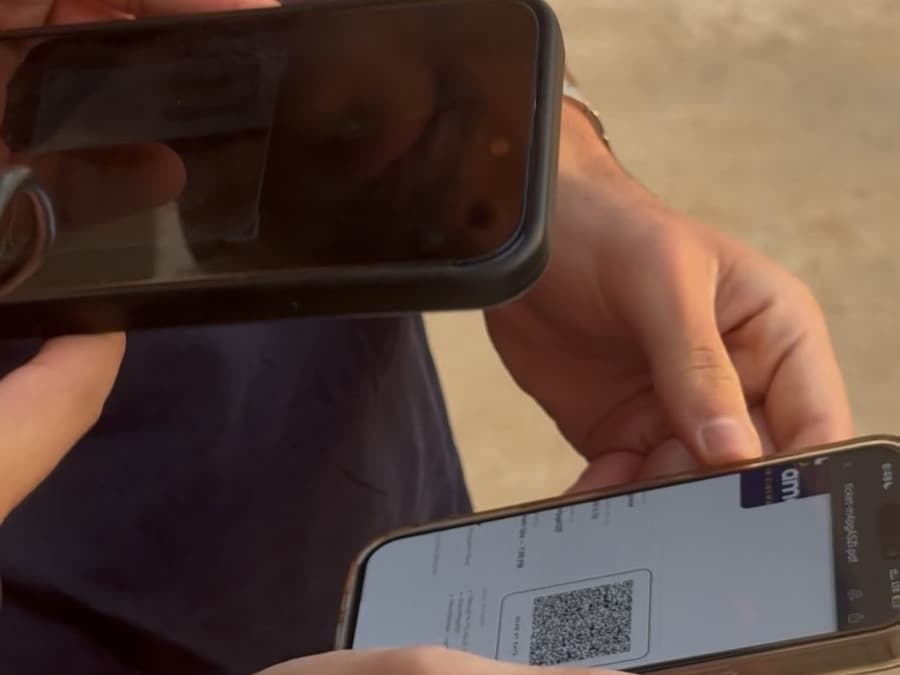
Scan each QR ticket with any phone. You see live who came and who did not.
What does it cost to switch from Google Forms to Blend?
Nothing. Blend is a free event registration platform for free events: they cost nothing to the organizer or the guest, with no setup cost and no card needed.
The verdict: for a free event, Blend does everything a Google Form does, plus tickets, check-in, a waitlist and guest emails, for the same price: nothing.
Questions about Google Forms and event registration
You can, but it only collects answers into a Google Sheet. It does not issue tickets, check guests in, run a waitlist or take payments. Blend does, and it is free for free events of any size.
Yes. Since January 2026 a form can close after a set number of responses or at a date. It then closes for everyone, with no waitlist and no limit per ticket type. Blend has both.
Yes. Free events on Blend cost nothing to the organizer or the guest, with no setup cost and no card needed to start.
Yes. Copy each question as a custom registration question in one of nine answer types, mark the required ones, add follow-ups that show based on an answer, and export every answer to CSV.