Create an event in 20 seconds
Create your event and start selling today
Create your event on Blend in 20 seconds: type its name below, add your tickets and share one link. It is free to start with no card required, and most organizers are selling the same afternoon.
Jounieh Run Club filled Run Fest 2026 with 1,017 confirmed registrations on Blend, replacing Google Forms and WhatsApp. Read the story
How to create an event and sell tickets online
Three steps take you from an idea to a link people can buy from.
Create the event
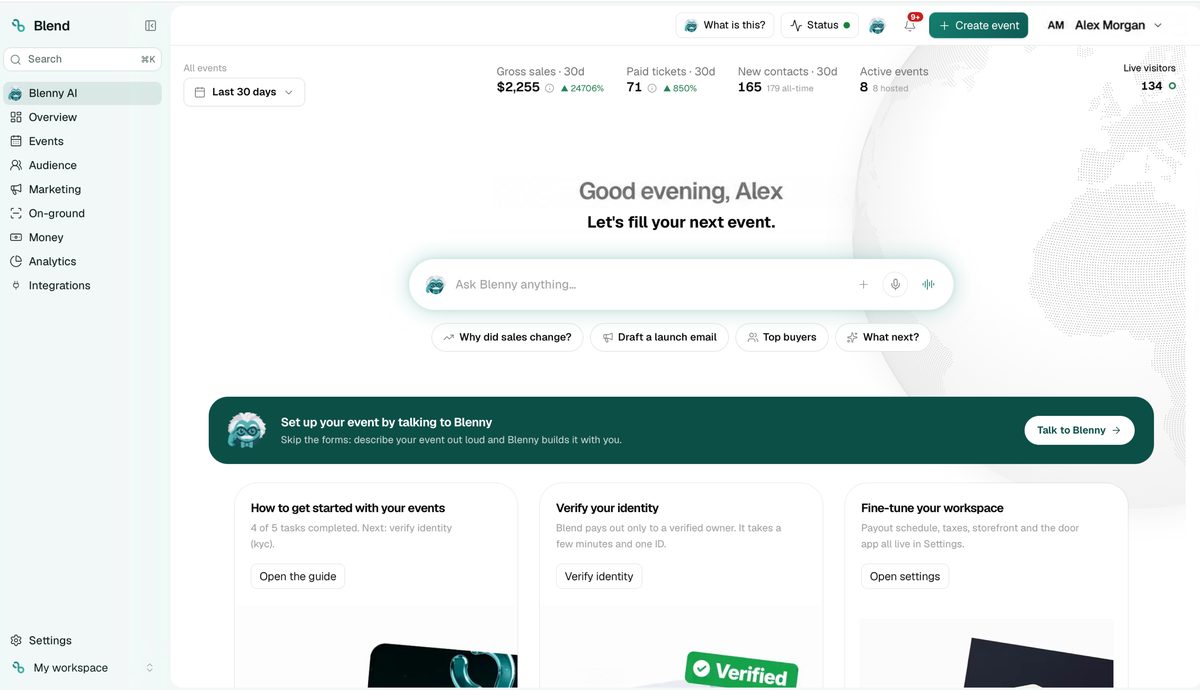
Type the name, then describe the event to Blenny, Blend's AI copilot, and it builds the draft with you, or fill in the form one question at a time. Add the date, the venue and a cover image.
Add your tickets
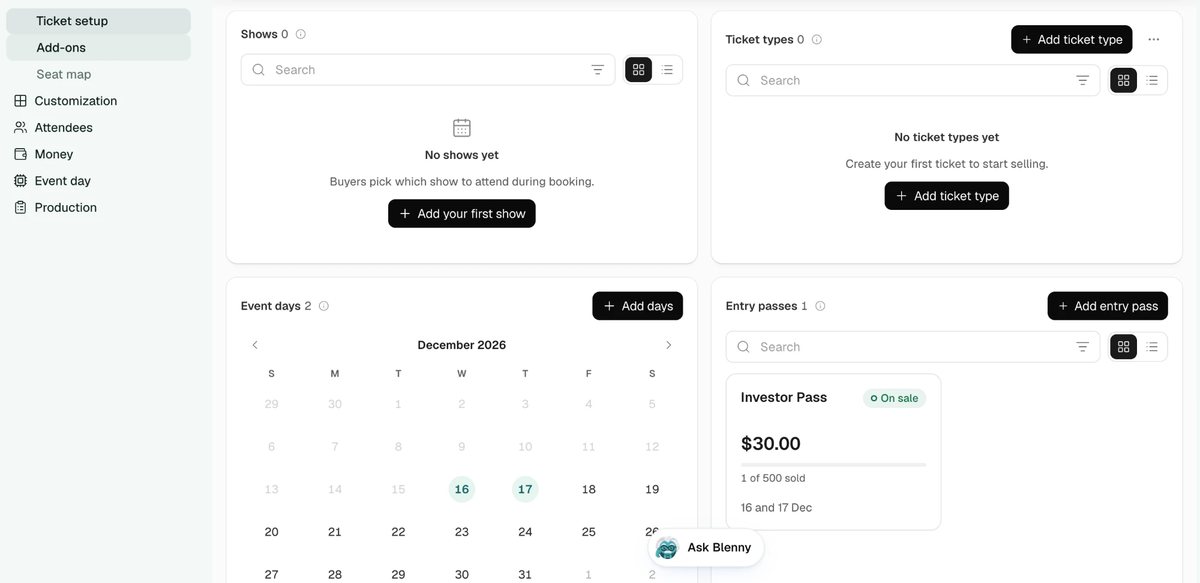
Add each ticket type with its price, quantity and sale dates, and an entry pass for events over several days. Free tickets carry no fee; paid tickets carry one fee shown at checkout, and you choose who pays it.
Share the link
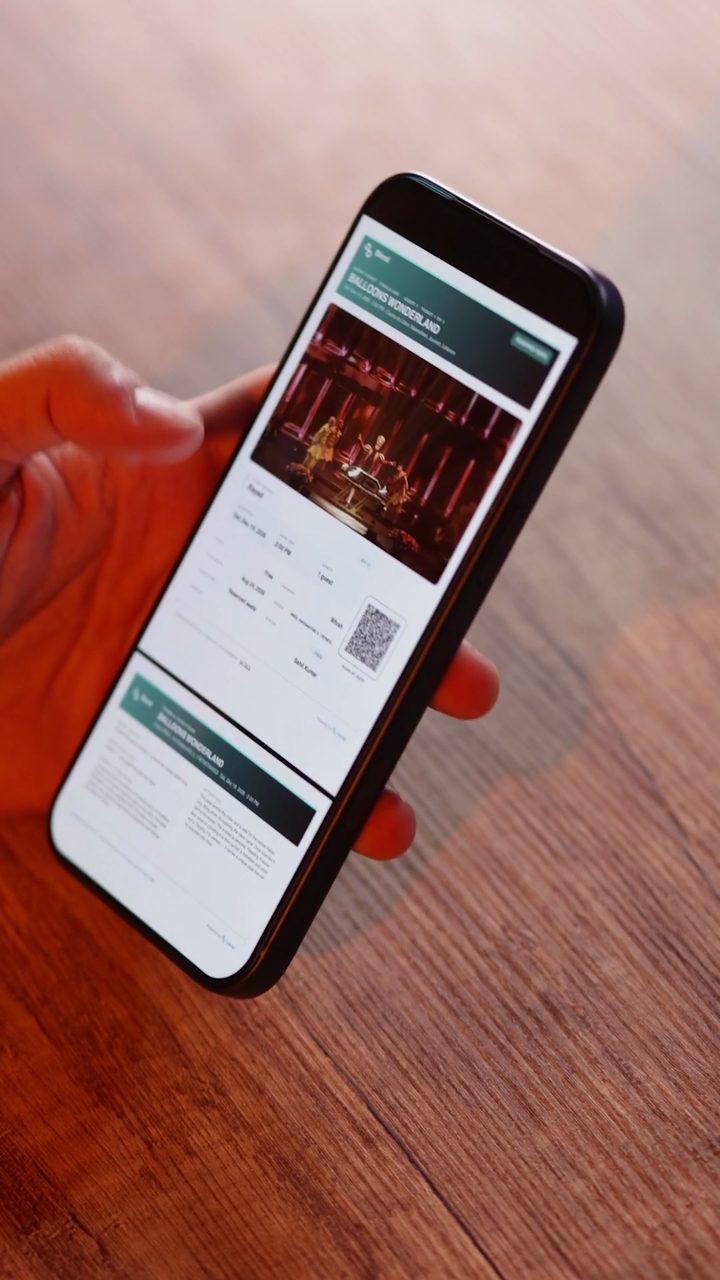
Publish and share one event link. Buyers pay at checkout with the methods your event offers, from cards and Apple Pay to Whish in Lebanon, get a QR ticket by email and on WhatsApp, and your staff scan it at the door with BlendOS.


Everything you need to run the show
Your own storefront
Your own ticketing website on your domain, built in Blend's store editor, and the Blend Partner API to connect any site.
Reserved seat maps
Sell assigned seats and tables with a live seat picker.
Reach your crowd
Email, push and WhatsApp blasts to the right segment.
Know what sells
Per-event insights on sales, traffic and conversion.
Questions before you start
New to running events? Read our guides for event organizers.
Do I need a contract or a sales call to start?
No. Open an account, create your event and start selling, on your own. Blend's team is there if you want help, and for enterprise clients and large events it can also support on site.
Can I sell on my own website?
Yes. Build your own ticketing website in Blend's store editor, with Blenny, on your own domain, as AndMore Ventures did on andmoreventures.co and Step on step.blendapp.ai.
How fast can I go live?
You can create an event in 20 seconds and publish it once your tickets are set. Most organizers are selling the same afternoon.